
How it worksFrom your documents
From your documents
to a live assistant.
Botlers is set up in a guided flow in your dashboard. You describe the business, add what it should know, choose the rules and the channels, and go live.
Knowledge and rulesExample
Setup
Six steps to go live.
- Describe your businessName, what you sell, hours and the tone you want. Give it your website address and it reads the pages to draft a first version.
- Add what it should knowUpload PDFs and text files: price lists, policies, FAQs, manuals. Start from a trade profile if one fits.
- Set rules and handoffsDecide what it may discuss, what it must refuse, and which people it passes a request to.
- Choose your channelsPaste one line of code on your website, connect WhatsApp, set up inbound email. All channels share the same knowledge.
- Go live and refineRead the conversations in your dashboard. Correct a source once and the fix applies on every channel.
Every conversation
What happens when someone writes or calls.
- Website chatThey chatA visitor chats on your website and leaves a phone number.
- PhoneThey callThey call, and the assistant answers.
- EmailBrochureIt emails your brochure.
- EmailFollow-upIt sees the brochure was opened.
- PhoneCallbackIt calls back when they asked to be called back.
- CalendarBookingIt books the appointment on your calendar.
- Your teamRecapYour team gets a recap before the meeting.
- A message or call arrivesOn the channel the person chose. Incoming messages are screened before the assistant sees them.
- It looks up your contentThe assistant searches your documents and pages for the answer.
- It answers or actsIt answers, books a slot, takes a message, alerts a team member or transfers the call.
- It logs the resultThe conversation, the contact, the lead and a summary go to your dashboard, with a to-do list of what needs a person.
Before each answer
What the assistant has in front of it.
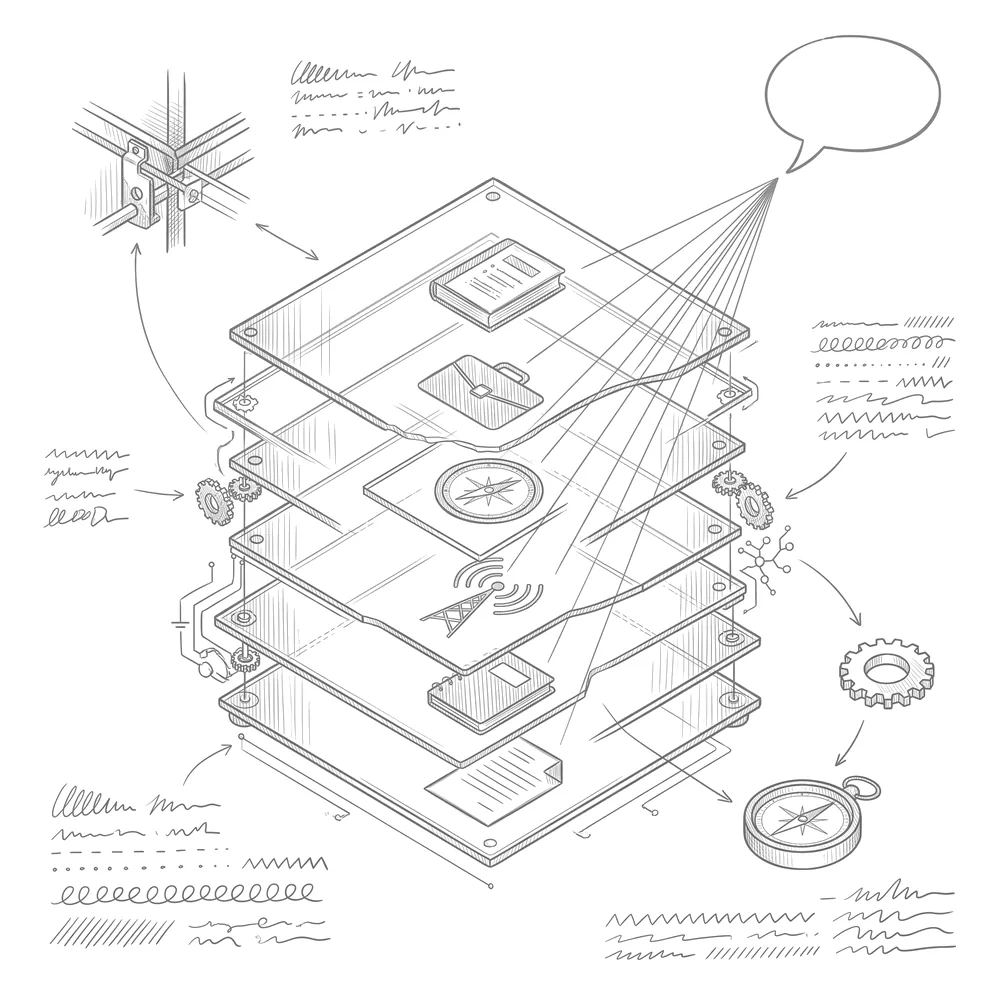
Each answer is built from several layers: your business description, your documents and pages, and the rules and tone you set. In chat, it also knows which page the visitor is on.
For a contact it already knows, the earlier history is added, so the answer continues the conversation instead of starting over.
You stay in charge
Rules the assistant follows.
- It answers from the documents and pages you provided, and says so when the answer is not there.
- It says it is an AI assistant and does not pretend to be a person.
- Calls are recorded only with the caller's permission.
- It hands off to a person from the list you ranked.
Availability
Phone service for US businesses is open. We set up your number with you.
FAQQuestions people
Questions people
ask first.
No. Setup is a guided flow in the dashboard. Adding the chat widget to your site is one line of code.
It depends on how much content you bring. We do not publish a promise. Book a demo and we will show you the flow on a sample of your content.
Yes. Change a document, a rule or the tone at any time. The change applies to every channel.
It says so and offers to pass the request to your team, with the conversation attached.
Next stepSee it answer
See it answer
your own questions.
Book a short demo. We set it up on a sample of your content so you hear it in your own context.
Book a demo